Two mini coloring pages on one sheet
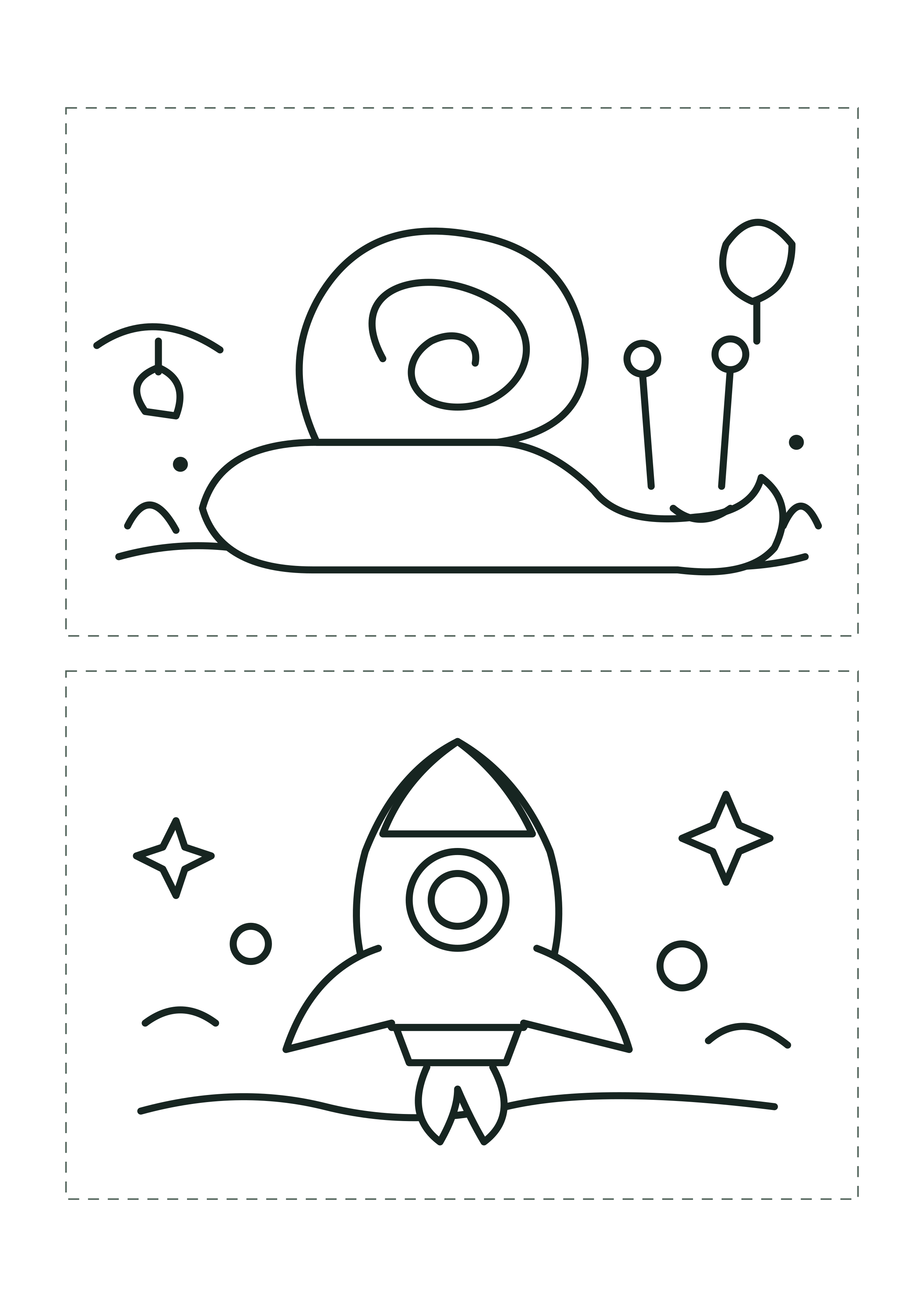
Print one sheet to get two original mini pictures: a garden snail and a small rocket. Each picture has its own dashed trim box.
Original black-and-white art · two panels per sheet · no sign-up.
Cut line and paper layout
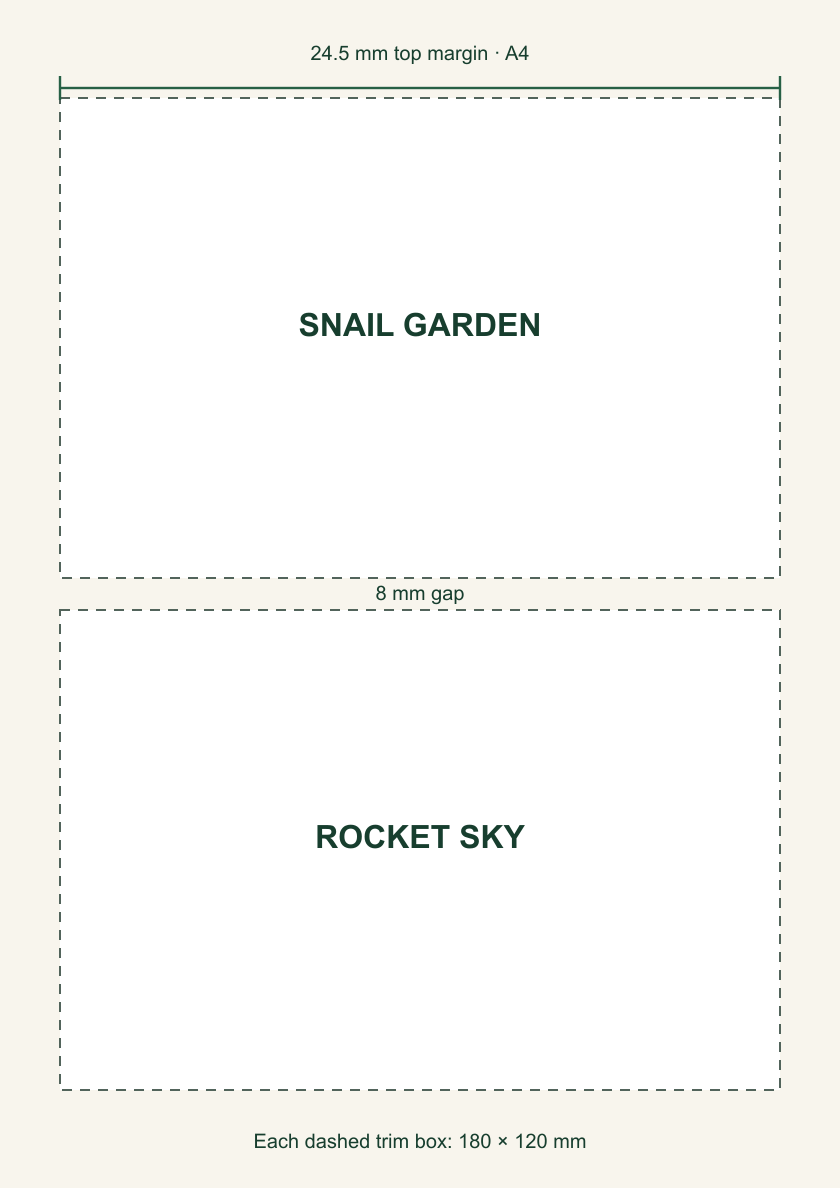
Both downloads place the same two 180 × 120 mm landscape panels on one portrait sheet. The 8 mm space between boxes lets you follow each dashed edge separately.
- Pick the A4 or US Letter PDF to match the loaded paper.
- Print at 100% or “Actual size.” Check the preview before printing.
- Cut on the dashed rectangle around each picture. A grown-up should handle scissors for younger colorers.
Layout measurements: A4 leaves 24.5 mm above and below the pair; Letter leaves 15.7 mm. Both use centered 180 mm wide boxes. These measurements come from the source artwork, not from a physical printer test.
Quick answers
Can I use the PNG files?
Yes. Download A4 PNG or Letter PNG. For predictable paper size, use the matching PDF.
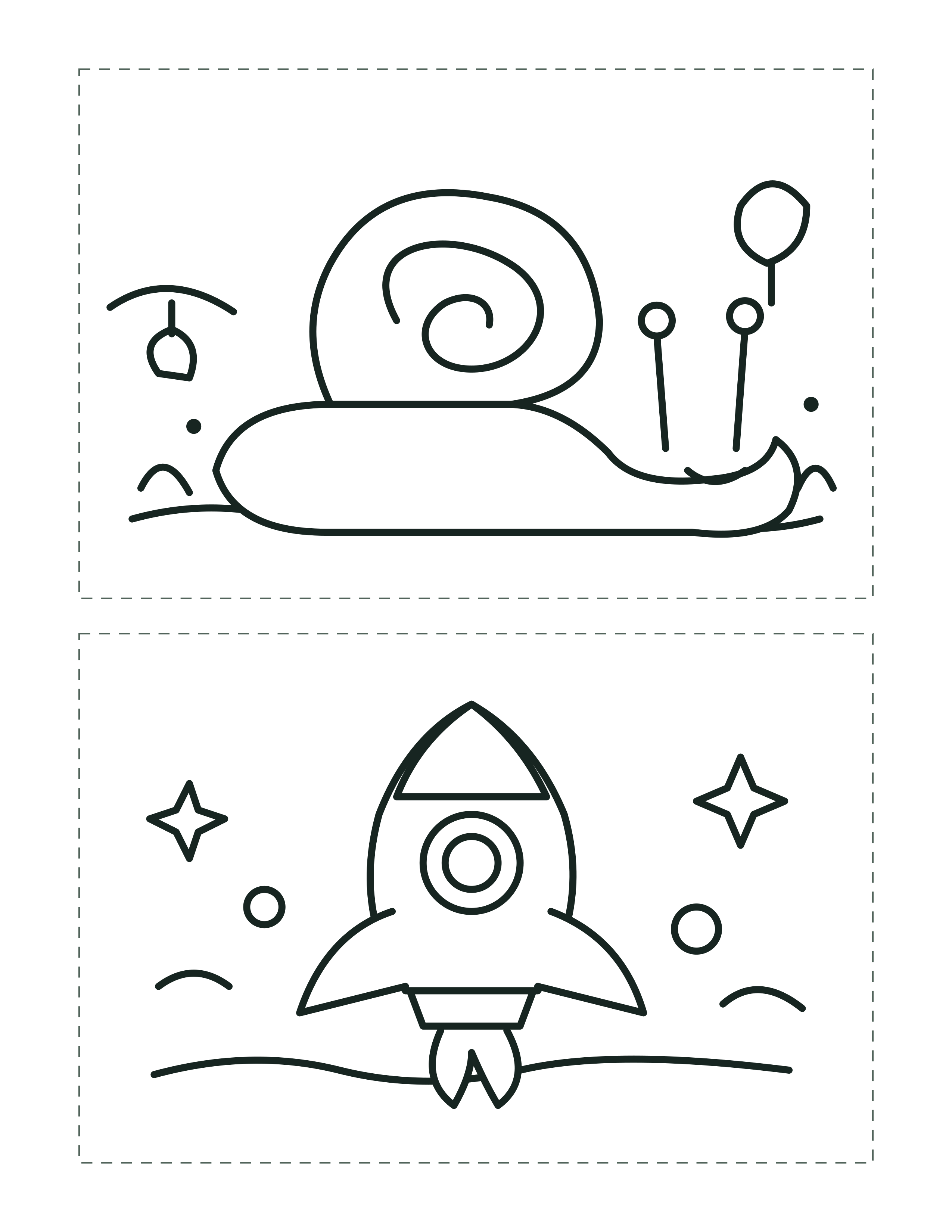
What if my printer clips the dashed line?
Choose “Fit to printable area” in the print dialog. That may make the finished boxes slightly smaller than 180 × 120 mm.
Do I cut between the drawings?
Cut around the two dashed rectangles. The blank strip between them can be discarded.