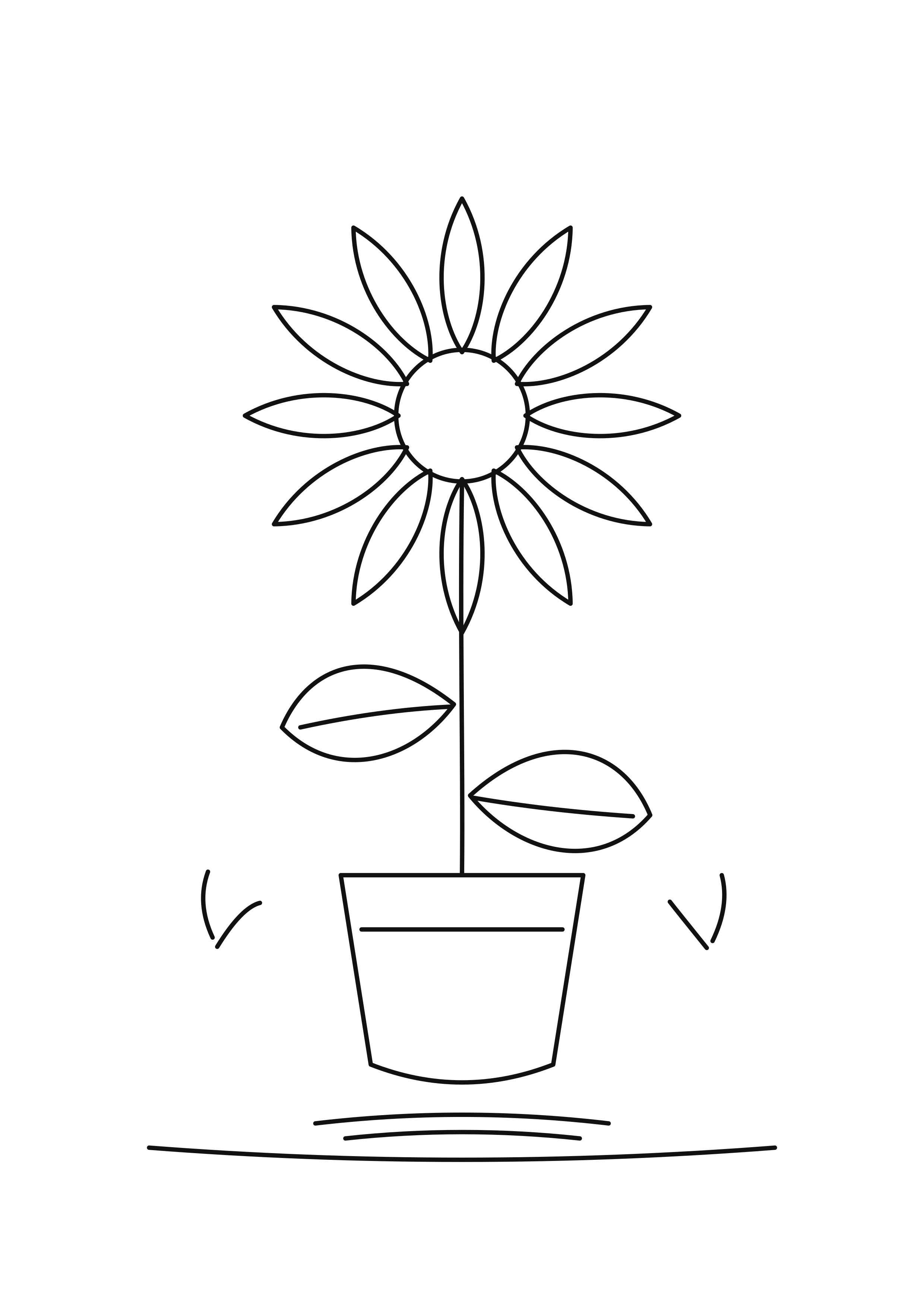
Plain drawing
2.94% black pixels. Outlines and open shapes leave most of the sheet white.
Plain PDF ↓Plain PNG ↓Start with the plain sunflower. It keeps the same petals, leaves and pot as the decorated version while leaving out the dark pot fill, border and extra texture.
A4 portrait, 300 DPI PNG and matching PDF. No sign-up.
2.94% black pixels. Outlines and open shapes leave most of the sheet white.
Plain PDF ↓Plain PNG ↓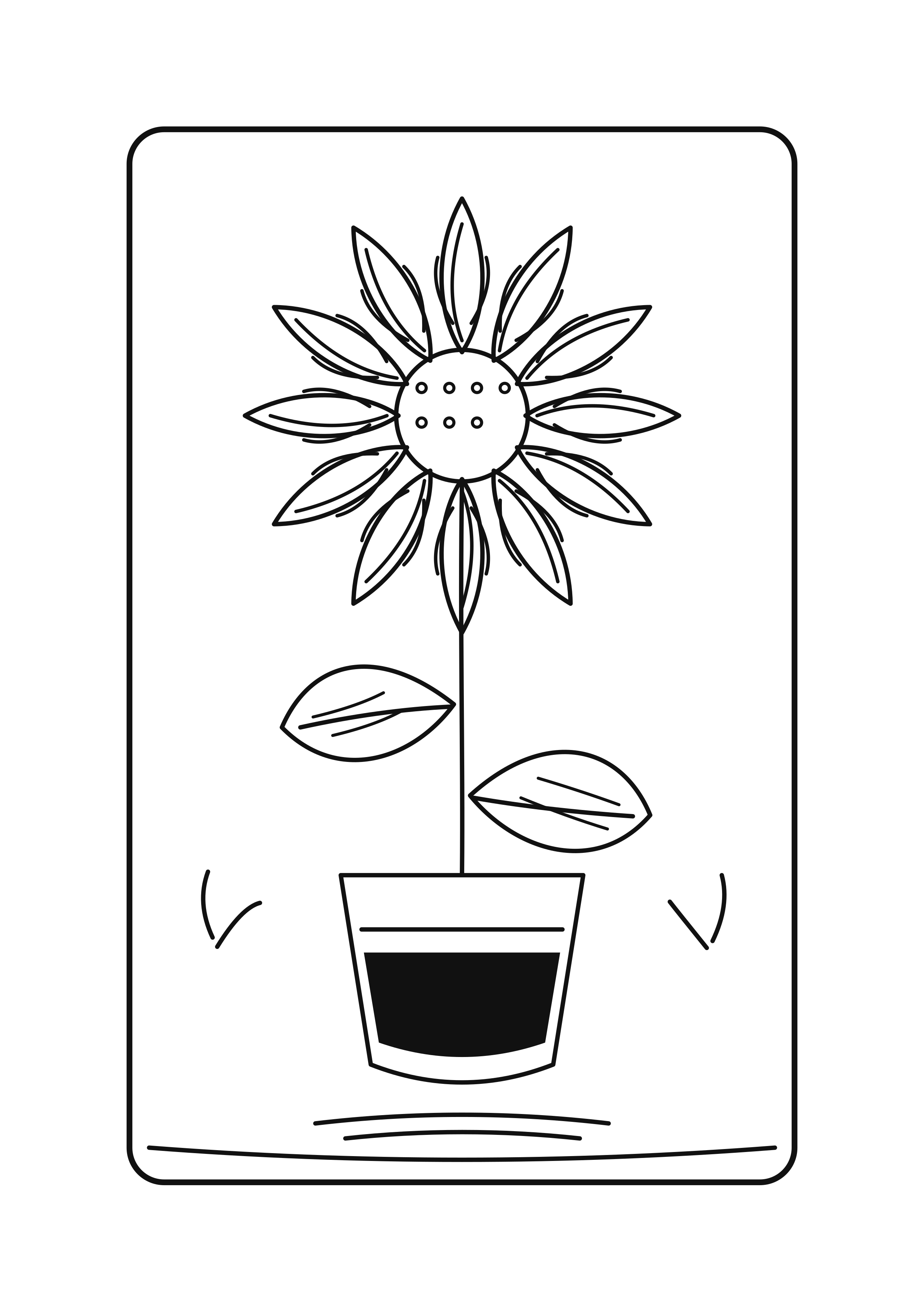
6.91% black pixels. The subject stays in place; black pot fill, border and texture add coverage.
Decorated PDF ↓Decorated PNG ↓We rendered both original SVG drawings to identical 2480 × 3508 pixel, 300 DPI PNG files. The script counted pixels whose grayscale value is below 128 and divided by all 8,699,840 pixels. The difference comes from the added black decoration; the core sunflower paths are identical. Anti-aliased gray edge pixels above the threshold are excluded.
This comparison measures the artwork file only. A printer's driver, draft setting, scaling, cartridge and maintenance cycles can change actual ink use. We have not measured ink from a printer.
The plain file has fewer black pixels in our raster comparison. We cannot guarantee a particular printer's ink consumption.
No. Both versions share the same original sunflower outline. The decorated file adds marks and a black pot panel.
Choose A4 paper and print at actual size. Use “Fit to printable area” if your printer clips an edge.